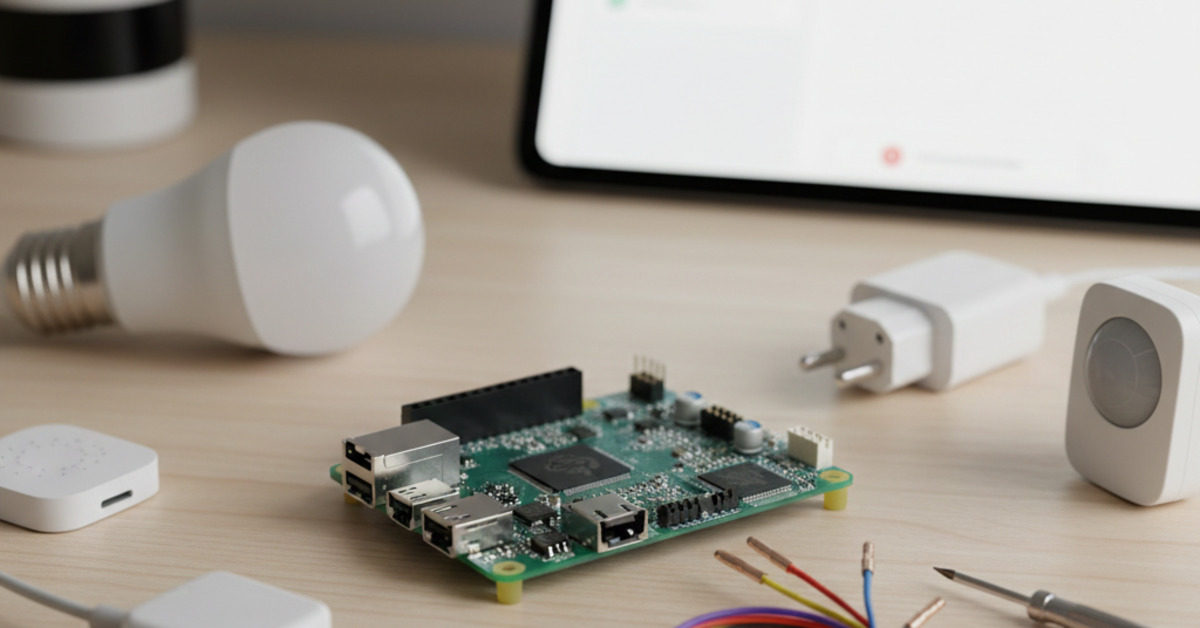
Home Assistant for Beginners: What Raspberry Pi Do You Need?
Home Assistant is an incredibly powerful and versatile open-source platform that allows you to take control of your smart home. With Home Assistant, you can connect and automate all of your smart devices, from lights and thermostats to cameras and sensors, all from a single interface. But to get started with Home Assistant, you'll need a piece of hardware to run it on. The most popular choice for this is a Raspberry Pi.
Why Raspberry Pi?
The Raspberry Pi is a series of small, single-board computers that are incredibly popular with hobbyists and DIY enthusiasts. They're affordable, versatile, and have a large and active community of users. This makes them the perfect platform for running Home Assistant.
Which Raspberry Pi is Right for You?
There have been many different models of the Raspberry Pi released over the years, and it can be confusing to know which one to choose. For running Home Assistant, you'll want a model with a good amount of processing power and memory. Here's a breakdown of the most common Raspberry Pi models and their suitability for Home Assistant:
- Raspberry Pi 4 Model B: The Raspberry Pi 4 is the latest and most powerful model in the Raspberry Pi lineup. It's available with 2GB, 4GB, or 8GB of RAM. For Home Assistant, the 4GB or 8GB model is recommended, especially if you plan on running a lot of add-ons or connecting a large number of devices.
- Raspberry Pi 3 Model B+: The Raspberry Pi 3 B+ is a slightly older model, but it's still a capable option for running Home Assistant. It has 1GB of RAM, which is enough for a basic setup. However, if you plan on expanding your smart home in the future, you may want to opt for the more powerful Raspberry Pi 4.
- Raspberry Pi Zero W: The Raspberry Pi Zero W is a tiny, low-cost version of the Raspberry Pi. While it's a great little board for many projects, it's not recommended for running Home Assistant. It simply doesn't have enough processing power or memory to handle the demands of the software.
What Else Will You Need?
In addition to a Raspberry Pi, you'll also need a few other components to get started with Home Assistant:
- MicroSD Card: You'll need a microSD card to install the Home Assistant operating system on. A 32GB or 64GB card is recommended.
- Power Supply: Make sure you get a high-quality power supply that is specifically designed for your Raspberry Pi model.
- Case (Optional): A case is a good idea to protect your Raspberry Pi from dust and damage.
Getting Started with Home Assistant
Once you have all of your hardware, you're ready to install Home Assistant. The easiest way to do this is to use the official Home Assistant Operating System (HAOS). You can download the HAOS image from the Home Assistant website and then use a tool like balenaEtcher to flash it to your microSD card.
The Bottom Line
For the best Home Assistant experience, a Raspberry Pi 4 Model B with 4GB or 8GB of RAM is the recommended choice. However, a Raspberry Pi 3 Model B+ can also be a good option for a more basic setup. With the right hardware and a little bit of time, you can have a powerful and versatile smart home up and running with Home Assistant.