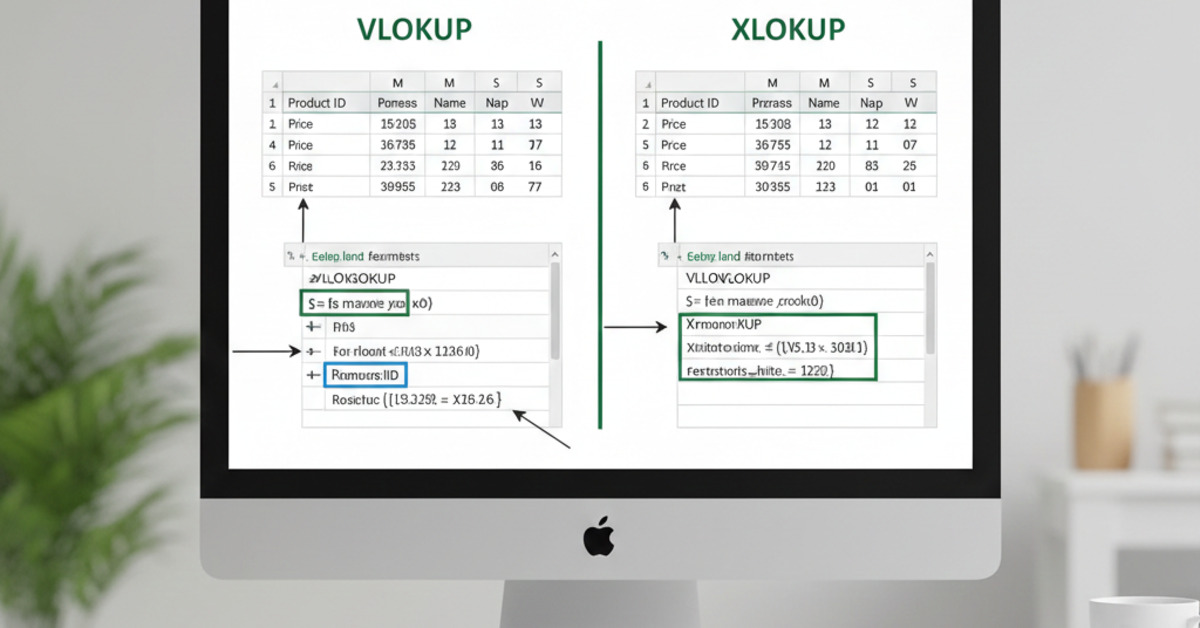
Excel VLOOKUP vs. XLOOKUP: Explained Simply
For years, the VLOOKUP function has been a workhorse for Excel users. It's a powerful tool for looking up data in a table, and it's been a staple of data analysis for decades. But with the introduction of the new XLOOKUP function, is VLOOKUP still the best choice? In this guide, we'll explain the difference between these two powerful functions and help you to decide which one to use.
What is VLOOKUP?
VLOOKUP stands for "Vertical Lookup." It's a function that allows you to look up a value in the first column of a table and return a corresponding value from a different column in the same row.
The syntax for the VLOOKUP function is:
=VLOOKUP(lookup_value, table_array, col_index_num, [range_lookup])
lookup_value: The value you want to look up.table_array: The table of data you want to search in.col_index_num: The number of the column from which you want to retrieve a value.[range_lookup]: An optional argument that specifies whether you want to find an exact match or an approximate match.
The Limitations of VLOOKUP
While VLOOKUP is a powerful function, it has a few limitations:
- It can only look up values in the first column of a table.
- It can only return values from columns to the right of the lookup column.
- It can be slow and inefficient, especially with large datasets.
- It has a confusing syntax.
What is XLOOKUP?
XLOOKUP is a new function that was introduced in Excel 365. It's a more powerful and flexible version of VLOOKUP, and it addresses many of the limitations of the older function.
The syntax for the XLOOKUP function is:
=XLOOKUP(lookup_value, lookup_array, return_array, [if_not_found], [match_mode], [search_mode])
lookup_value: The value you want to look up.lookup_array: The array or range you want to search in.return_array: The array or range from which you want to retrieve a value.[if_not_found]: An optional argument that specifies what to return if no match is found.[match_mode]: An optional argument that specifies the type of match you want to perform.[search_mode]: An optional argument that specifies the search mode you want to use.
The Advantages of XLOOKUP
XLOOKUP has a number of advantages over VLOOKUP:
- It can look up values in any column of a table.
- It can return values from columns to the left or right of the lookup column.
- It's faster and more efficient than VLOOKUP.
- It has a simpler and more intuitive syntax.
- It has a number of additional features, such as the ability to perform a reverse search.
Which One Should You Use?
If you have access to Excel 365, there's no reason to use VLOOKUP anymore. XLOOKUP is a more powerful, flexible, and efficient function that will make your life a lot easier. However, if you're working with an older version of Excel, you'll still need to use VLOOKUP.
The Bottom Line
XLOOKUP is a game-changer for Excel users. It's a more powerful and flexible function that addresses many of the limitations of VLOOKUP. If you're still using VLOOKUP, it's time to make the switch to XLOOKUP. You won't regret it.