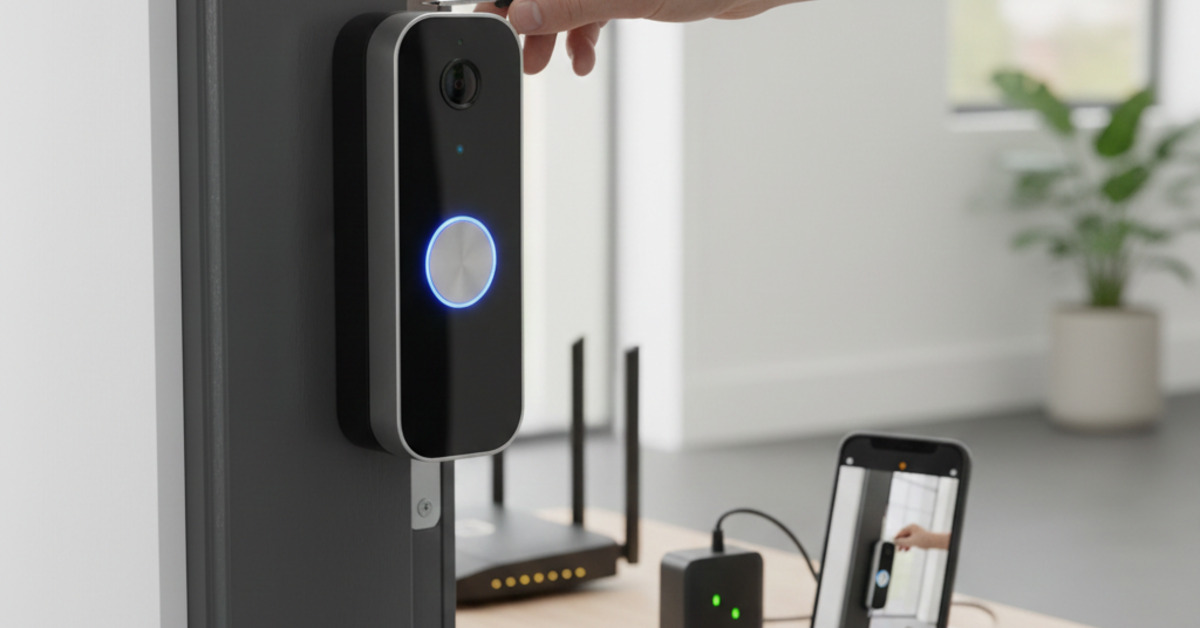
How to Set Up a Smart Doorbell Without a Subscription
A smart doorbell is a great way to see who's at your door, even when you're not at home. But many of the most popular smart doorbells, such as Ring and Nest, require a monthly subscription to access all of their features. If you're looking for a more budget-friendly option, there are a number of great smart doorbells available that don't require a subscription. In this guide, we'll show you how to set up a smart doorbell without any recurring fees.
What to Look for in a No-Subscription Smart Doorbell
When you're shopping for a no-subscription smart doorbell, here are a few things to look for:
- Local Storage: The most important feature to look for in a no-subscription smart doorbell is local storage. This means that the doorbell will store video footage on a microSD card or a local hard drive, rather than in the cloud.
- Compatibility: Make sure the doorbell is compatible with your existing doorbell wiring. If you don't have existing doorbell wiring, you'll need to choose a battery-powered doorbell.
- Field of View: The field of view is the area that the doorbell's camera can see. A wider field of view will allow you to see more of your porch and yard.
- Two-Way Audio: Two-way audio allows you to talk to visitors at your door from your smartphone.
- Motion Detection: Motion detection will alert you when someone is at your door, even if they don't ring the doorbell.
Top Picks for the Best No-Subscription Smart Doorbells
Here are a few of our favorite no-subscription smart doorbells:
- Eufy Security Video Doorbell: The Eufy Security Video Doorbell is a popular choice for a reason. It has a 2K resolution, a 160-degree field of view, and it stores video footage on a local HomeBase.
- Amcrest Video Doorbell Camera: The Amcrest Video Doorbell Camera is another great option. It has a 1080p resolution, a 140-degree field of view, and it can store video footage on a microSD card or a local NVR.
- Reolink Video Doorbell: The Reolink Video Doorbell is a versatile option that can be powered by either existing doorbell wiring or a battery. It has a 2K resolution, a 180-degree field of view, and it can store video footage on a microSD card.
How to Set Up Your No-Subscription Smart Doorbell
Setting up a no-subscription smart doorbell is easy.
- Install the doorbell: Follow the manufacturer's instructions to install the doorbell. If you're using a wired doorbell, you'll need to connect it to your existing doorbell wiring.
- Insert a microSD card: If your doorbell has a microSD card slot, insert a microSD card to store video footage.
- Download the app: Each smart doorbell has its own companion app. Download the app to your smartphone and create an account.
- Connect to Wi-Fi: Follow the instructions in the app to connect the doorbell to your Wi-Fi network.
- Configure the settings: Use the app to configure the doorbell's settings, such as motion detection and notification preferences.
The Bottom Line
A no-subscription smart doorbell is a great way to improve your home security without breaking the bank. By choosing a doorbell with local storage, you can avoid monthly fees and keep your video footage private. With a little bit of research, you can find a great no-subscription smart doorbell that will meet your needs and your budget.