Best Budget Capture Cards for Nintendo Switch Streaming
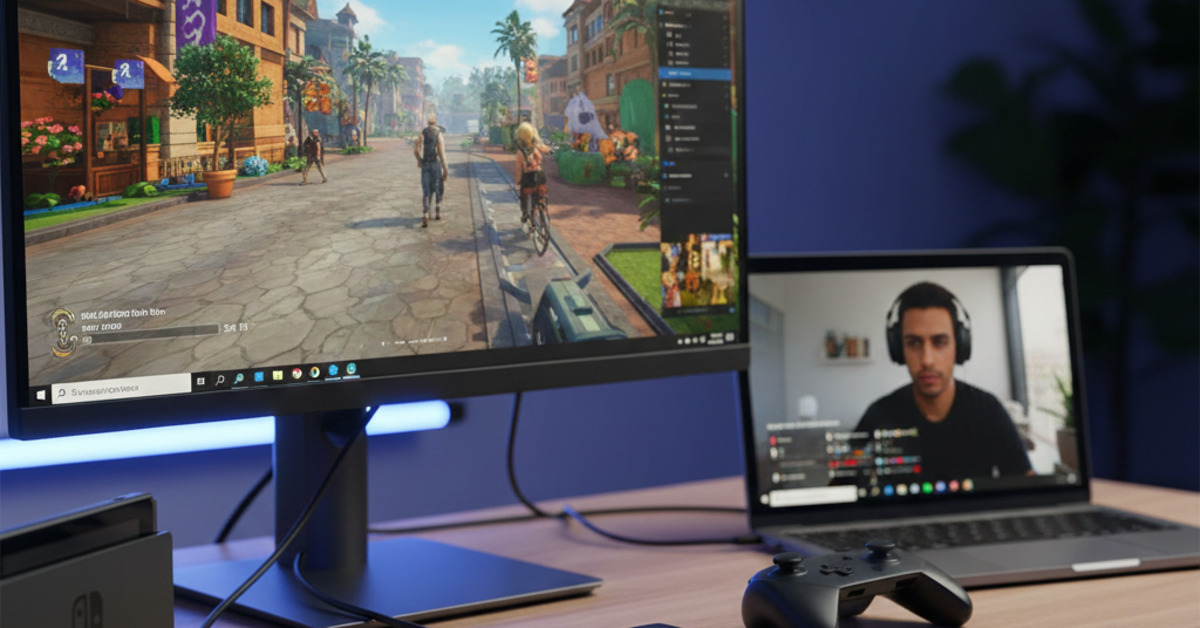
The Nintendo Switch is a fantastic console with a huge library of great games. And if you're a streamer, you've probably thought about sharing your Switch gameplay with your audience. But to do that, you'll need a capture card. A capture card is a device that allows you to capture video from your Switch and send it to your computer so you can stream it to a platform like Twitch or YouTube. While some capture cards can be expensive, there are a number of great budget-friendly options available. In this guide, we'll show you the best budget capture cards for Nintendo Switch streaming.
What to Look for in a Budget Capture Card
When you're shopping for a budget capture card, here are a few things to look for:
- Resolution and Framerate: Look for a capture card that can capture at least 1080p resolution at 30 frames per second (fps). If you can find a card that can capture at 60 fps, that's even better.
- Latency: Latency is the delay between what's happening on your Switch and what you see on your computer screen. Look for a capture card with low latency to avoid any lag in your stream.
- Compatibility: Make sure the capture card is compatible with your computer and your streaming software.
- Ease of Use: Look for a capture card that is easy to set up and use.
Top Picks for the Best Budget Capture Cards
Here are a few of our favorite budget capture cards for Nintendo Switch streaming:
- Elgato HD60 S: The Elgato HD60 S is a bit on the pricier side for a budget capture card, but it's a great option if you're serious about streaming. It can capture 1080p resolution at 60 fps, and it has very low latency.
- AVerMedia Live Gamer Mini: The AVerMedia Live Gamer Mini is a great budget-friendly option that can capture 1080p resolution at 60 fps. It's easy to set up and use, and it's compatible with a wide variety of streaming software.
- MiraBox Capture Card: The MiraBox Capture Card is a super-budget-friendly option that is perfect for beginners. It can capture 1080p resolution at 30 fps, and it's very easy to use.
How to Set Up Your Capture Card
Setting up your capture card is easy.
- Connect the capture card to your Switch: Connect the HDMI cable from your Switch to the HDMI input on your capture card.
- Connect the capture card to your TV: Connect an HDMI cable from the HDMI output on your capture card to your TV.
- Connect the capture card to your computer: Connect the USB cable from your capture card to your computer.
- Set up your streaming software: Open your streaming software (e.g., OBS Studio, Streamlabs) and add the capture card as a video source.
The Bottom Line
You don't have to spend a lot of money to get a great capture card for streaming your Nintendo Switch gameplay. By choosing a budget-friendly option like the AVerMedia Live Gamer Mini or the MiraBox Capture Card, you can stream your gameplay in high quality without breaking the bank.