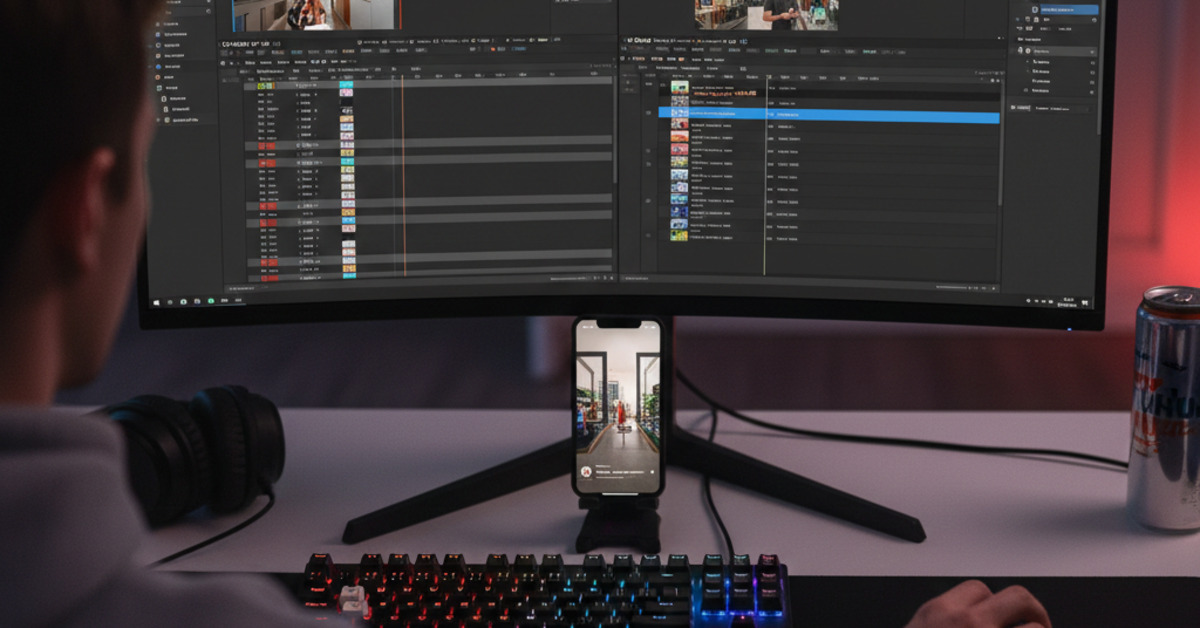
How to Edit TikToks on PC (CapCut vs. Premiere)
TikTok has taken the world by storm. And if you're a content creator, you're probably always looking for ways to make your videos stand out. While the TikTok app has a number of great editing features, editing your videos on a PC can give you more control and flexibility. Two of the most popular video editors for TikTok are CapCut and Adobe Premiere Pro. In this guide, we'll compare the two to help you to decide which one is right for you.
CapCut
CapCut is a free video editor from the creators of TikTok. It's available for both mobile and desktop, and it's a great option for beginners.
Pros:
- Free to use.
- Easy to use.
- A wide variety of features specifically for TikTok, such as trending music and effects.
- Seamless integration with TikTok.
Cons:
- Not as powerful as Premiere Pro.
- Limited features for advanced editing.
Adobe Premiere Pro
Adobe Premiere Pro is a professional video editing software that is used by filmmakers and video editors around the world. It's a powerful and feature-rich program that can be used to create high-quality videos for any platform, including TikTok.
Pros:
- Powerful and feature-rich.
- Industry standard for video editing.
- A wide variety of tools and features for advanced editing.
- Seamless integration with other Adobe products.
Cons:
- Expensive.
- Steep learning curve.
- Can be overkill for simple TikTok videos.
The Verdict
So, which video editor is right for you?
- Choose CapCut if: You're a beginner or you're on a budget. CapCut is a great option for creating simple and fun TikTok videos.
- Choose Premiere Pro if: You're a professional video editor or you're serious about creating high-quality TikTok videos. Premiere Pro is a powerful tool that will give you complete control over your videos.
How to Edit TikToks on PC
Here's a basic workflow for editing TikToks on a PC:
- Transfer your footage: Transfer the video clips from your phone to your computer.
- Import your footage into your video editor.
- Edit your video: Trim your clips, add transitions, and add music and effects.
- Export your video: Export your video in a format that is compatible with TikTok (e.g., MP4).
- Transfer the video back to your phone.
- Upload the video to TikTok.
The Bottom Line
Editing your TikTok videos on a PC can help you to create more polished and professional-looking content. Whether you choose CapCut or Premiere Pro, the right video editor will help you to take your TikTok videos to the next level.