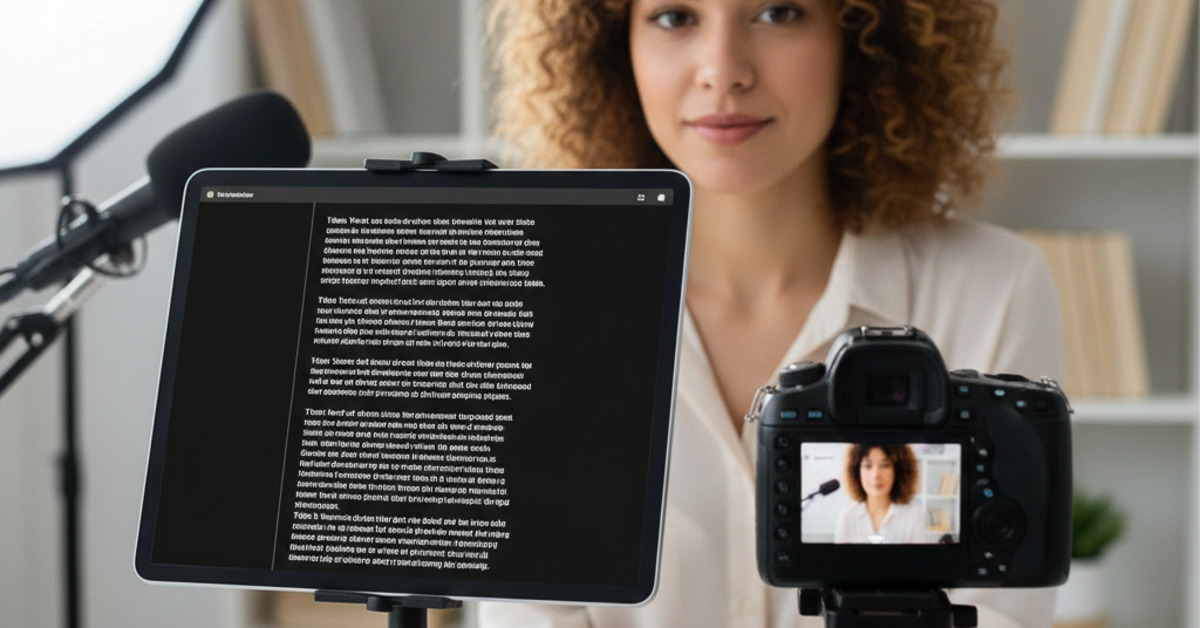
Best Teleprompter Apps for iPad/Tablet
Whether you're giving a presentation, recording a video, or delivering a speech, a teleprompter can be a powerful tool. It allows you to read from a script while maintaining eye contact with your audience. In the past, teleprompters were expensive and bulky pieces of equipment. But now, you can turn your iPad or tablet into a teleprompter with a simple app. In this guide, we'll show you the best teleprompter apps for iPad and tablet.
What to Look for in a Teleprompter App
When you're shopping for a teleprompter app, here are a few things to look for:
- Adjustable scrolling speed: The ability to adjust the scrolling speed is essential for a natural and comfortable delivery.
- Text formatting options: Look for an app that allows you to change the font size, color, and background color of the text.
- Remote control: A remote control will allow you to start, stop, and adjust the speed of the teleprompter without having to touch the screen.
- Mirror mode: Mirror mode will flip the text horizontally, which is necessary if you're using a teleprompter with a beam splitter mirror.
- Video recording: Some teleprompter apps have a built-in video recording feature, which can be a convenient way to record your videos.
Top Picks for the Best Teleprompter Apps
Here are a few of our favorite teleprompter apps for iPad and tablet:
- Teleprompter Premium: Teleprompter Premium is a powerful and feature-rich teleprompter app that is perfect for professionals. It has a wide variety of features, including adjustable scrolling speed, text formatting options, and a remote control.
- PromptSmart Pro: PromptSmart Pro is a unique teleprompter app that uses voice recognition to automatically scroll the text as you speak. This is a great feature for a more natural and conversational delivery.
- Parrot Teleprompter: The Parrot Teleprompter is a simple and affordable teleprompter app that is perfect for beginners. It has all the essential features, including adjustable scrolling speed and text formatting options.
How to Use a Teleprompter App
- Write your script: The first step is to write your script.
- Import your script into the app: Most teleprompter apps will allow you to import your script from a variety of different sources, such as a text file or a Google Doc.
- Adjust the settings: Adjust the scrolling speed, font size, and other settings to your liking.
- Start recording: When you're ready, start recording your video and deliver your performance.
The Bottom Line
A teleprompter app can be a powerful tool for anyone who has to speak on camera. By choosing an app with the right features and practicing your delivery, you can deliver a smooth and professional performance every time.