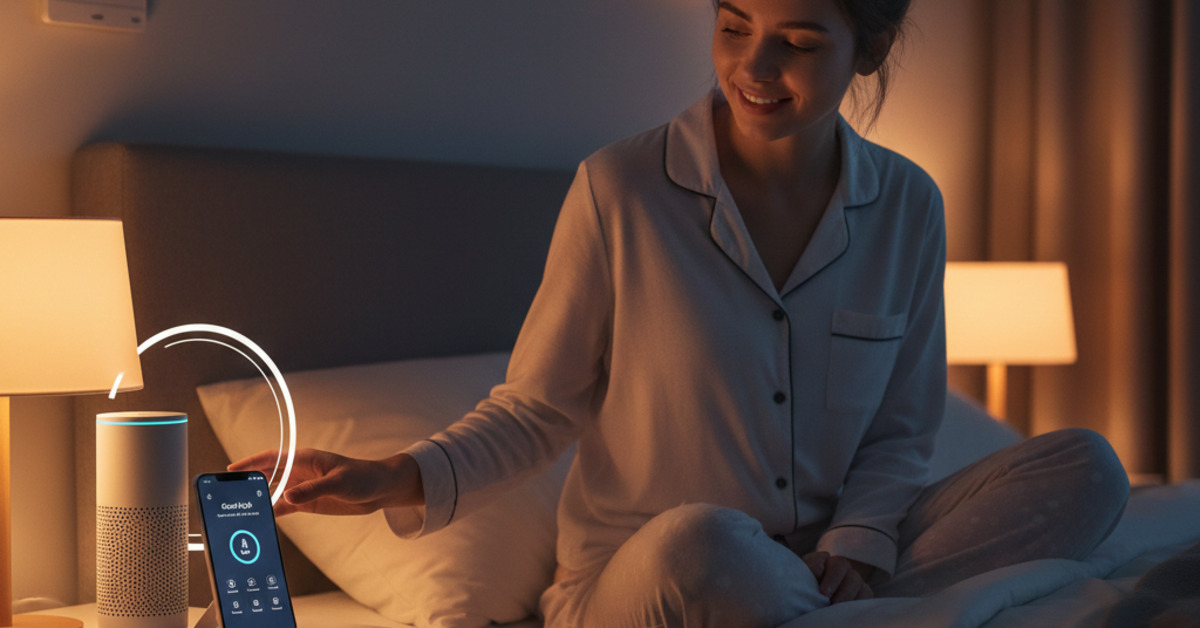
Creating a "Good Night" Routine with Alexa/Google Home
A consistent bedtime routine is essential for getting a good night's sleep. But in our busy lives, it can be hard to wind down at the end of the day. A smart speaker, like an Amazon Echo or a Google Home, can be a powerful tool for automating your bedtime routine and helping you to get a better night's sleep. In this guide, we'll show you how to create a "Good Night" routine with Alexa or Google Home.
What is a Routine?
A routine is a series of actions that are triggered by a single command. For example, you can create a "Good Night" routine that will turn off the lights, lock the doors, and play some relaxing music when you say, "Alexa, good night."
How to Create a "Good Night" Routine with Alexa
- Open the Alexa app.
- Tap on "More" and then "Routines."
- Tap on the "+" icon to create a new routine.
- Enter a name for your routine (e.g., "Good Night").
- Tap on "When this happens" and then "Voice."
- Enter the phrase you want to use to trigger the routine (e.g., "Good night").
- Tap on "Add action" to add the actions you want to happen.
Here are a few ideas for actions to add to your "Good Night" routine:
- Turn off the lights.
- Lock the doors.
- Set the thermostat to a comfortable temperature.
- Play some relaxing music or a sleep story.
- Set an alarm for the morning.
How to Create a "Good Night" Routine with Google Home
- Open the Google Home app.
- Tap on "Routines."
- Tap on the "+" icon to create a new routine.
- Tap on "Add starter" and then "Voice command."
- Enter the phrase you want to use to trigger the routine (e.g., "Good night").
- Tap on "Add action" to add the actions you want to happen.
The Bottom Line
A "Good Night" routine with Alexa or Google Home is a simple and effective way to streamline your bedtime routine and get a better night's sleep. By automating a few simple tasks, you can create a more relaxing and peaceful environment that will help you to drift off to sleep.