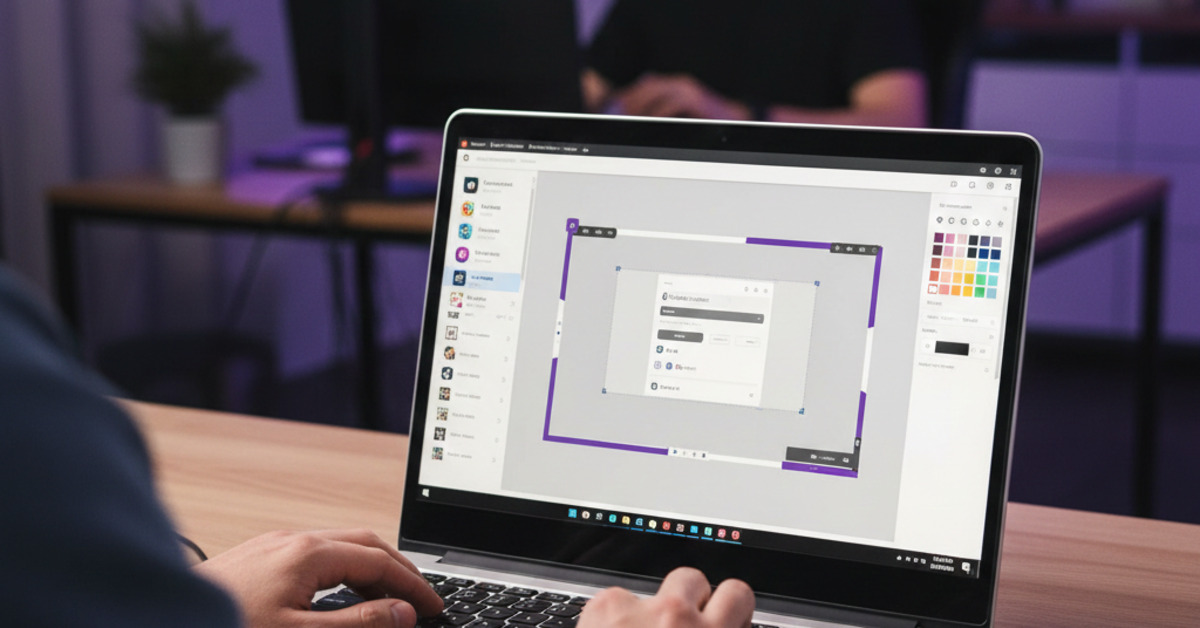
How to Create Custom Twitch Overlays Using Free Tools (Canva)
If you're a streamer on Twitch, you know that a professional-looking stream can make a big difference. A custom Twitch overlay can help you to create a more engaging and branded stream that will stand out from the crowd. But you don't have to be a graphic designer or spend a lot of money to create a custom Twitch overlay. With a free tool like Canva, you can create a professional-looking overlay in just a few simple steps.
What is a Twitch Overlay?
A Twitch overlay is a graphic that is placed on top of your gameplay footage. It can include a variety of different elements, such as:
- A webcam frame.
- A social media handle.
- A donation goal.
- A subscriber goal.
- A list of recent followers and subscribers.
What is Canva?
Canva is a free online graphic design tool that is perfect for creating custom Twitch overlays. It's easy to use, and it has a wide variety of templates and tools to help you to create a professional-looking design.
How to Create a Custom Twitch Overlay in Canva
- Create a new design: The first step is to create a new design in Canva. The standard size for a Twitch overlay is 1920x1080 pixels.
- Choose a template or start from scratch: Canva has a number of pre-made Twitch overlay templates that you can use as a starting point. Or you can start from scratch and create your own design.
- Add your elements: Add the elements you want to include in your overlay, such as a webcam frame, a social media handle, and a donation goal.
- Customize your design: Customize your design by changing the colors, fonts, and other elements to match your brand.
- Download your overlay: Once you're happy with your design, download it as a PNG file with a transparent background.
How to Add Your Overlay to Your Stream
Once you've downloaded your overlay, you'll need to add it to your streaming software (e.g., OBS Studio, Streamlabs).
- Open your streaming software.
- Add a new "Image" source.
- Browse for your overlay file.
- Position the overlay on your screen.
The Bottom Line
A custom Twitch overlay is a great way to create a more professional and engaging stream. And with a free tool like Canva, you don't have to be a graphic designer or spend a lot of money to create one. By following these simple steps, you can create a custom Twitch overlay that will help you to stand out from the crowd.