Reclaim Your Desk, Save Your Neck
A dual screen setup is a superpower for productivity. It allows you to have reference material open on one screen while you work on the other, minimizing window-shuffling and keeping you in the flow. But there's a major downside: the clunky, space-hogging stands that come with most monitors eat up your valuable desk real estate and are rarely at the right height for good posture.
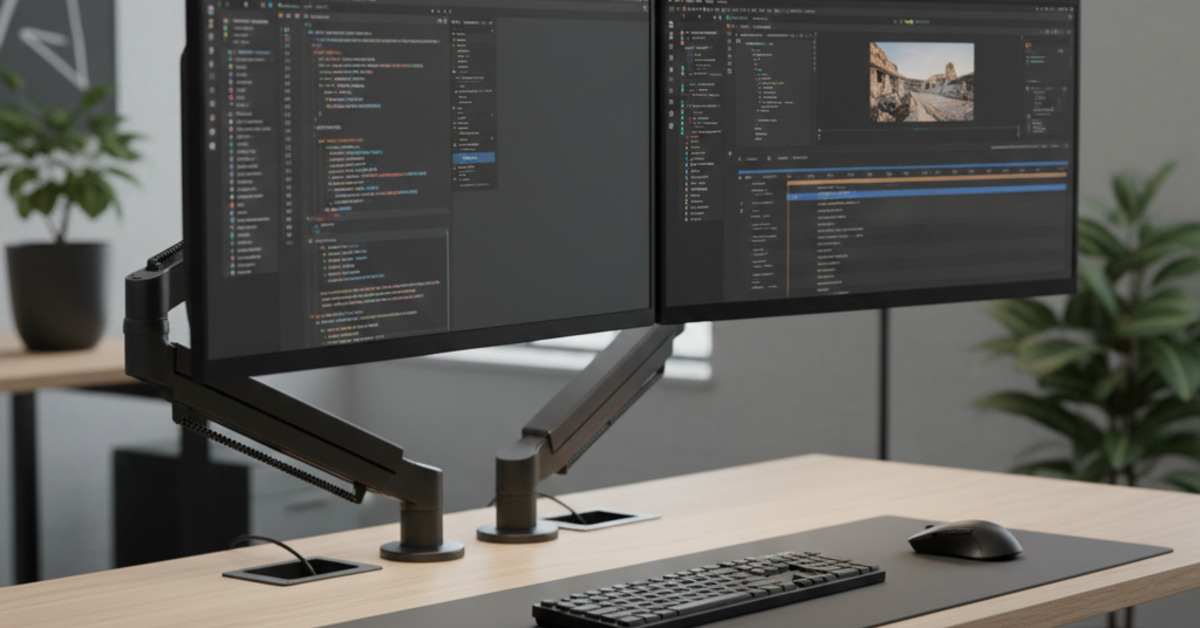
The solution is a dual monitor arm. This essential piece of gear clamps to the back of your desk and allows your monitors to "float" above it, giving you a massive increase in usable workspace and the flexibility to position your screens at the perfect ergonomic height. It's the key to a clean, comfortable, and productive desk setup.
What to Look For in a Dual Monitor Arm
- VESA Compatibility: Make sure your monitors are "VESA compatible," which means they have a standard 75x75mm or 100x100mm square mounting pattern on the back. Most modern monitors do.
- Weight Capacity: Check the weight of your monitors (without their stands) and ensure the arm you choose can support both.
- Adjustability: Look for arms that offer a full range of motion: height adjustment, tilt (up and down), swivel (left and right), and rotation (portrait to landscape mode).
- Gas Spring vs. Manual: Gas spring arms can be adjusted effortlessly with your fingertips, while manual arms often require a tool to change the height. Gas springs are worth the extra cost for most people.
- Cable Management: The best arms have integrated channels or clips to route your monitor cables for a clean, professional look.
The Best Dual Monitor Arms for 2025
1. The Best Overall: Fully Jarvis Dual Monitor Arm
- Why it's great: The Fully Jarvis arm hits the sweet spot of quality, performance, and price. It offers a smooth, gas-spring-powered range of motion, sturdy construction, and excellent cable management. It's incredibly easy to adjust on the fly, allowing you to switch from a side-by-side setup to a stacked one with ease. It provides the high-end performance of much more expensive arms at a mid-range price.
- Best For: The vast majority of users who want a premium, flexible experience without paying the premium price.
2. The Premium Choice: Ergotron LX Dual Stacking Arm
- Why it's great: Ergotron is a leading name in commercial-grade desk ergonomics, and their LX series is legendary for its build quality and durability. The arms are incredibly stable (no monitor wobble), the movement is buttery smooth, and they are built to last a lifetime. This model also has an extra-tall pole, making it one of the best monitor arms for two screens if you prefer a stacked (one screen on top of the other) orientation.
- Best For: Professionals who demand the absolute best in stability and build quality and are willing to invest in a "buy it for life" piece of equipment.
3. The Best Budget Option: HUANUO Dual Monitor Mount
- Why it's great: If you're on a tight budget, it's hard to beat the value of the popular HUANUO mounts available on Amazon. For under $100, you get a sturdy, functional dual arm that gets the job done.
- The Trade-off: The adjustment is often less smooth than the premium options. You might need to use an Allen key to adjust the height, rather than just moving it with your hand. But for a "set it and forget it" setup where you find your perfect position and leave it there, it's an unbeatable value.
- Best For: Budget-conscious users who want the ergonomic and space-saving benefits of a monitor arm without the high cost.
Upgrading from basic monitor stands to a VESA mount monitor arm is one of the single best investments you can make for your workspace. It will dramatically improve your desk setup, reduce neck and eye strain, and create a clean workstation that feels more organized and professional.