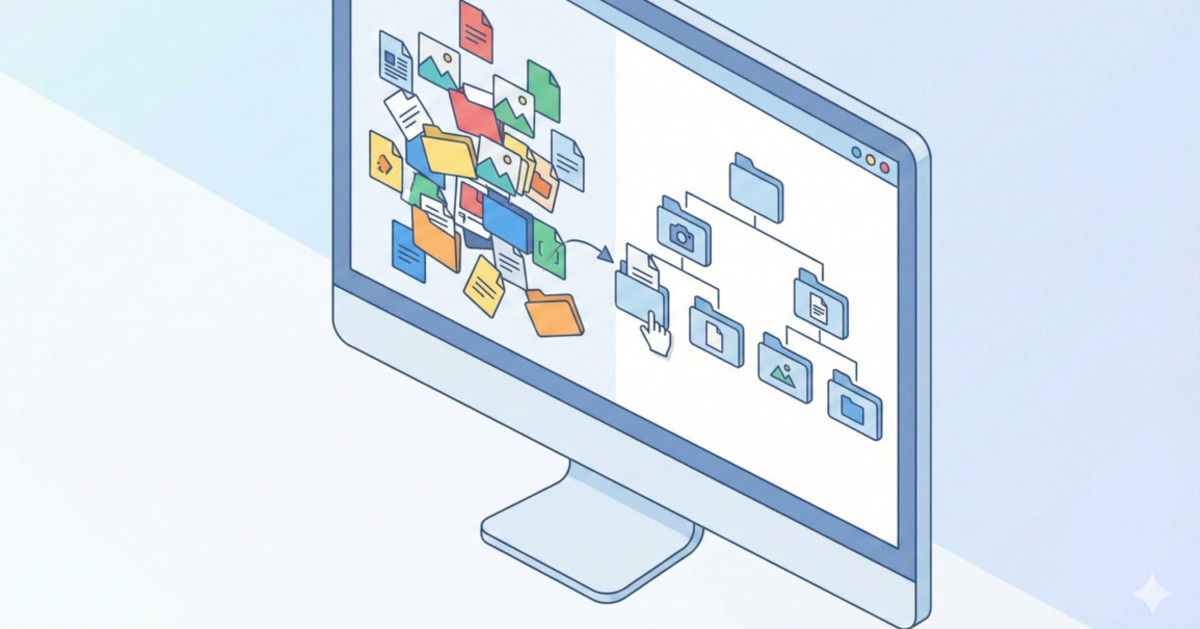
From Digital Chaos to Digital Clarity
Your computer is a central hub for your life, holding everything from important work documents and financial records to precious family photos. Over time, it's easy for this digital space to become as cluttered as a messy garage. A chaotic desktop and a disorganized "Downloads" folder can lead to wasted time searching for files and a constant, low-level sense of anxiety.
A digital declutter is a process of creating a simple, logical, and sustainable system for your files. This guide will walk you through a powerful but easy-to-implement method to organize your computer files and reclaim your digital sanity.
The Golden Rule: Don't Organize by "Type," Organize by "Action"
The most common mistake people make is creating folders based on file type (e.g., "Documents," "PDFs," "Images"). This is inefficient because a single project might involve all three file types.
A much better approach is to organize your files based on how you use them. One of the most popular and effective systems for this is the PARA method, created by productivity expert Tiago Forte. PARA stands for:
- Projects
- Areas
- Resources
- Archives
This computer folder structure can be set up in your main "Documents" folder, in a cloud service like Google Drive or Dropbox, or anywhere you store your files.
1. Projects: Your Active To-Do List
- What it is: This folder holds everything related to your active, short-term goals with a clear deadline or endpoint.
- Examples: "Q3 Marketing Report," "Website Redesign 2025," "Plan Vacation to Italy," "Kitchen Renovation."
- The Rule: A project has a defined beginning and end. Once the project is complete, its folder will be moved.
2. Areas: Your Ongoing Responsibilities
- What it is: This folder holds files related to the ongoing areas of your work and life that don't have an end date. These are your roles and responsibilities.
- Examples:
- Work: "Marketing," "Client Management," "Product Development."
- Personal: "Finances," "Health & Fitness," "Home Maintenance," "Family."
- The Rule: An area is a standard you need to maintain. You will always have "Finances" or "Health." The files here are your reference materials for those roles.
3. Resources: Your Topics of Interest
- What it is: This is for everything else—your hobbies, interests, and things you want to learn about. It's a personal library of information.
- Examples: "Stock Market Investing," "Gardening Tips," "Favorite Recipes," "Woodworking," "Hiking Trails."
- The Rule: If it's not an active project or an ongoing area of responsibility, it probably belongs in Resources.
4. Archives: The "Cold Storage"
- What it is: This is where things go when they are no longer active. It's your digital attic.
- The Rule: When you complete a project (e.g., "Website Redesign 2025" is finished), you move the entire project folder from "Projects" into "Archives." This keeps your "Projects" folder clean and focused only on what's active. You don't delete it, because you might need to refer to it later.
How to Get Started: The Declutter Process
- Create the Four Folders: In your main Documents folder, create four new folders:
1. Projects,2. Areas,3. Resources, and4. Archives. (The numbers help keep them in order). - Clean Up Your Desktop: This is your first priority. Go through every single file on your desktop and move it into one of the four folders. The goal is to have a completely clean desktop with nothing on it but your trash bin.
- Tackle Your "Downloads" Folder: This is usually the biggest mess. Sort it by file size to find and delete large, unnecessary files first. Then, move the rest of the files into your PARA structure.
- Be Ruthless: If you haven't opened a file in over a year and it's not an important record, you probably don't need it. Delete it.
- Maintain the System: The hard part is starting. Once the system is in place, maintenance is easy. When you download a new file, ask yourself: "Which of these four categories does this belong to?" and move it immediately.
This system provides a simple, universal framework for digital organization. It reduces the time you spend searching for files and creates a calmer, more productive digital environment.